
AI Slide Creation Environment for Developers
Build AI slide decks without leaving your terminal
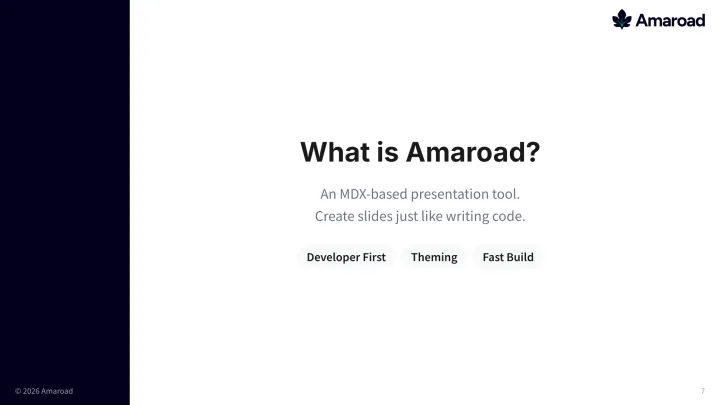
Amaroad is an open-source AI-first slide authoring environment for developers. Ask Claude Code, Codex, Gemini CLI, or Cursor to create and refine decks from your terminal, preview slides live, edit multiple slides in parallel, and export to PDF/PPTX or share a live URL.
Usage
Build Slides Without
Breaking Your Flow
Create, revise, and share slides from the same terminal where you write code.
Prompt Between Commits
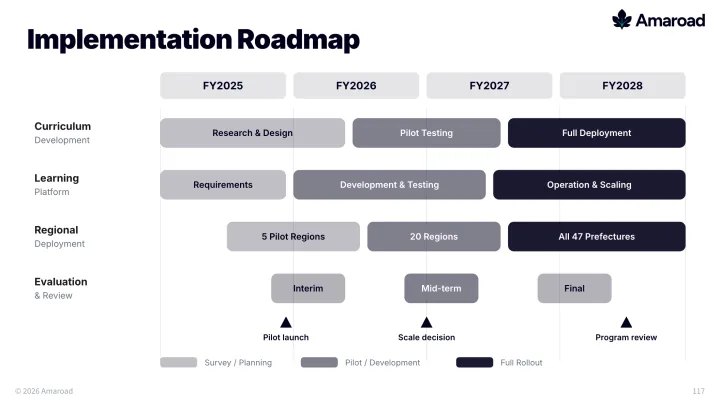
Just tell Claude Code "Create 5 slides for tomorrow's sprint review." Point it at your project path and it reads sprint context automatically. No need to stop coding.
$ claude "Create 5 slides for tomorrow's sprint review.
Summarize the sprint from ./my-project"AI Generates Your Deck
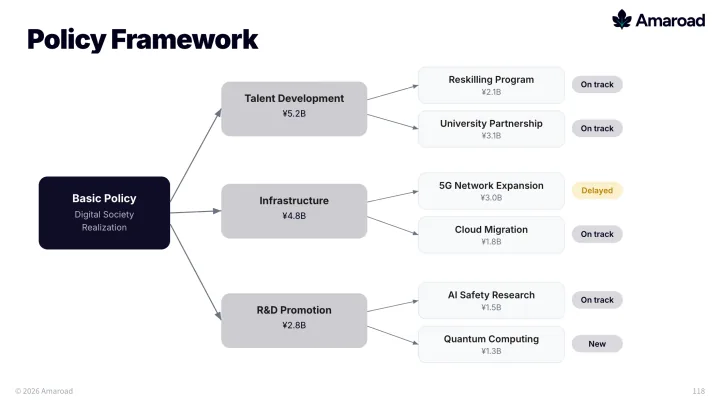
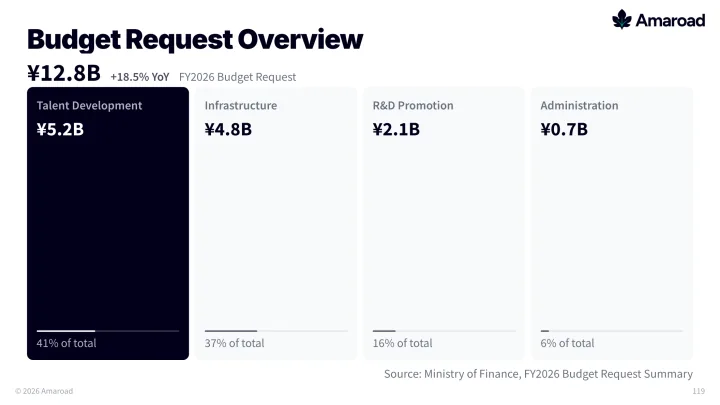
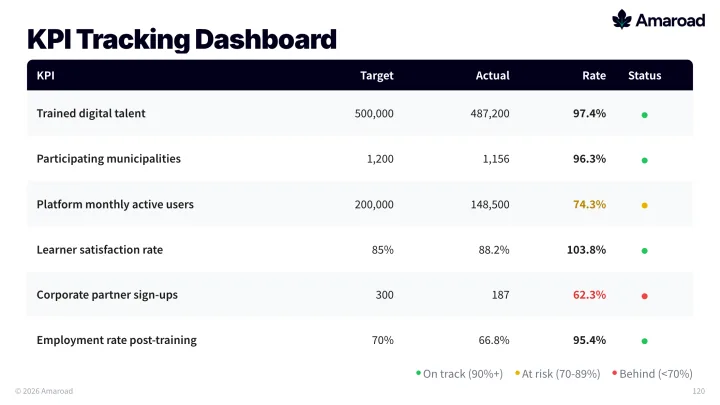
The AI agent creates MDX files and your slides appear in the browser in real time. Hot reload updates the preview instantly every time a file is saved.
Revise from the Terminal
"Add an architecture diagram to slide 3." "Make the summary slide more concise." Refine your deck with the same workflow you use for code.
> Add an architecture diagram to slide 3
> Make the summary slide more concisePresent & Share Instantly
Jump straight into presenter mode for your meeting, export to PDF/PPTX, or share a live URL with your team via Cloudflare Tunnel.













Why Amaroad?
Built for developers who don't want to break their flow.
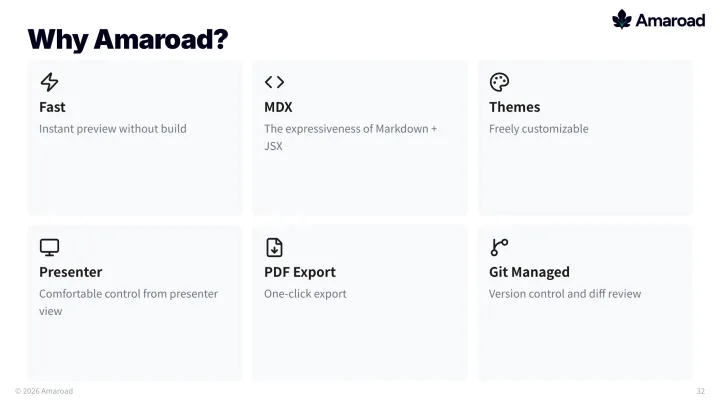
Zero Context Switching
The AI agent you already use for coding — Claude Code, Codex, Gemini CLI, Cursor — builds your slides too. Same terminal, same flow.
Per-Slide Parallel Editing
After the draft, run one agent per slide and push multiple revisions at once instead of serial rework.
AI Micro-Tuning
Delegate spacing, wording, chart labels, and visual polish to AI for high-quality finishing touches.
Everything You Need for AI-Driven Deck Production
From first draft generation to parallel polish and live URL sharing.
Parallel Slide Revisions
Assign edits to multiple slides simultaneously and shorten review cycles dramatically.
AI Detail Adjustment
Ask AI to improve tone, hierarchy, spacing, and chart readability with precision prompts.
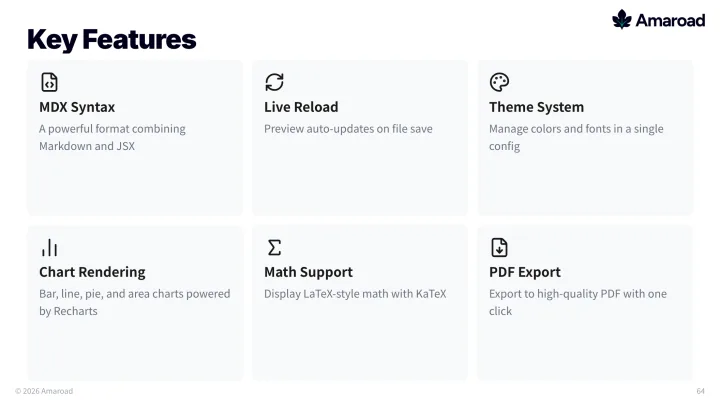
Live Reload
See your changes instantly. Hot Module Replacement (HMR) keeps your preview fresh.
Built-in Components
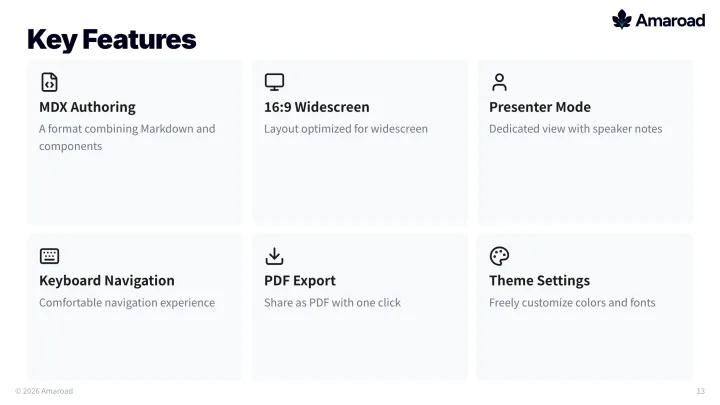
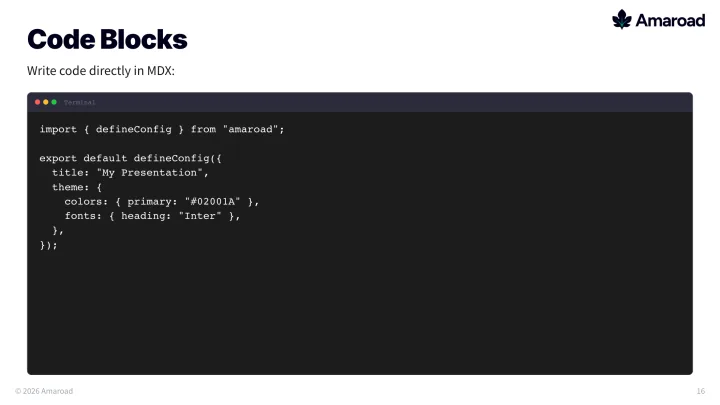
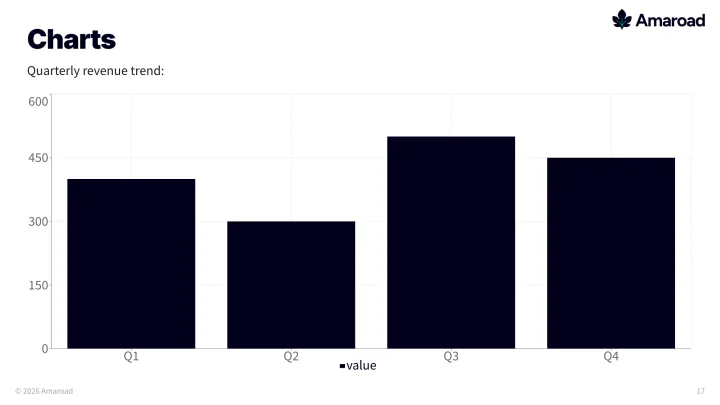
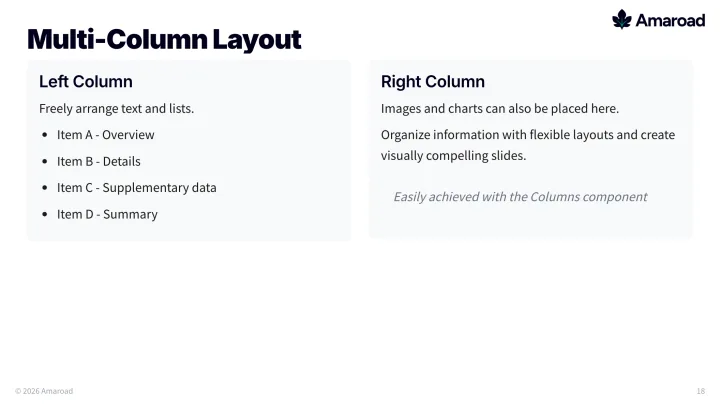
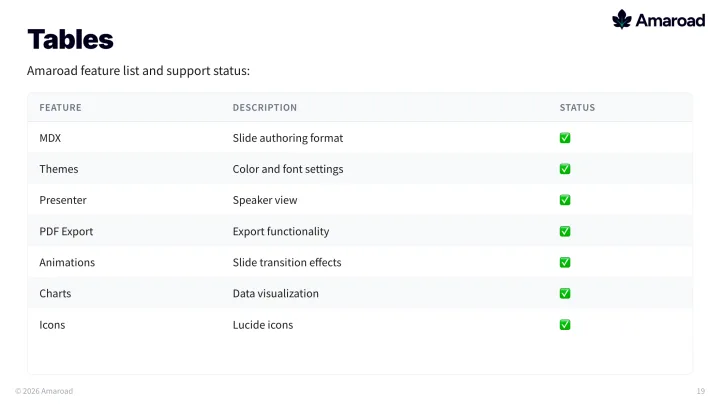
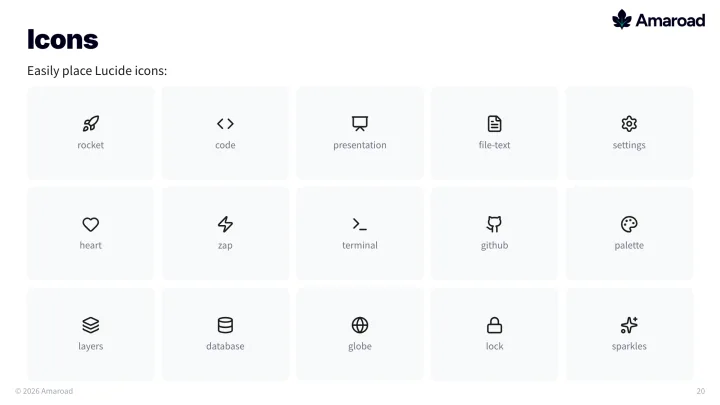
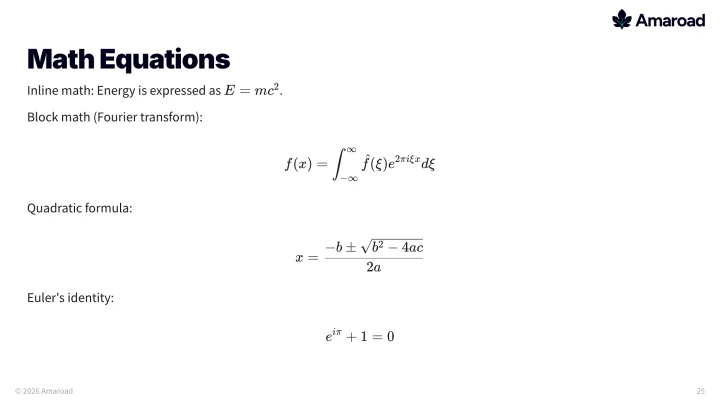
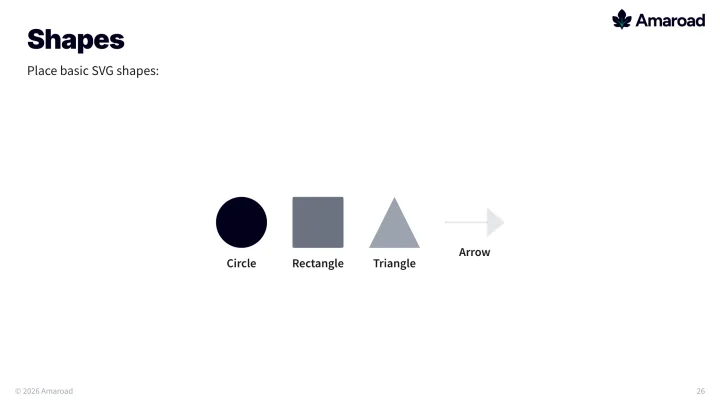
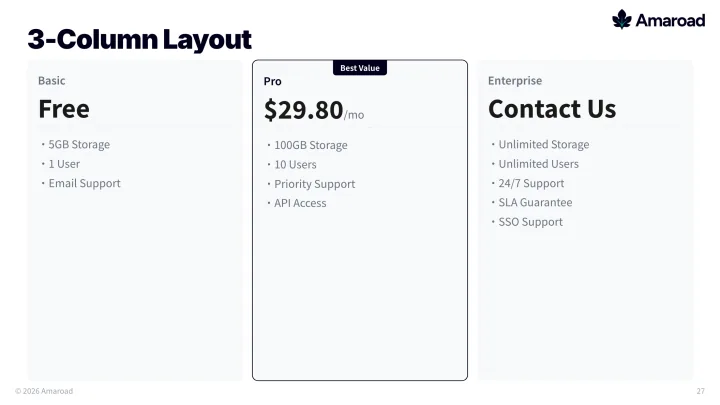
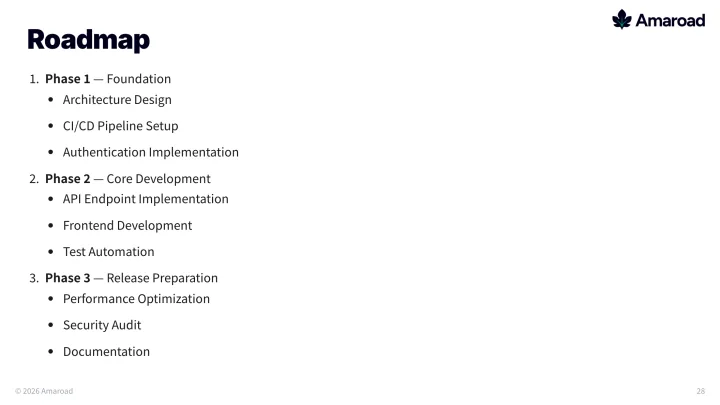
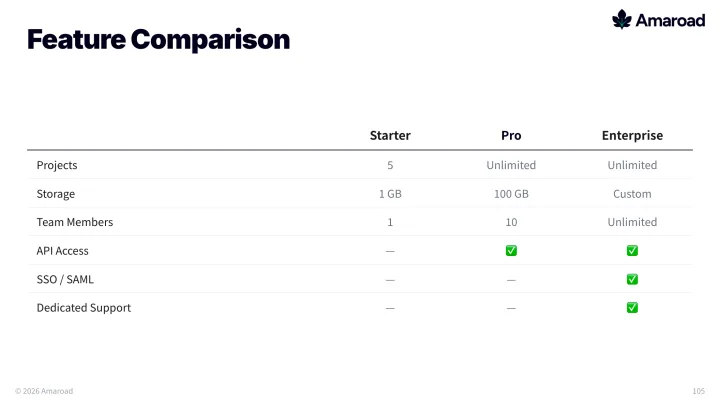
Charts, icons, code blocks, tables, multi-column layouts, math equations, and shapes ready to use.
Cloudflare Tunnel Sharing
Expose your deck with a shareable URL and collect feedback in real-time with teammates anywhere.
Presenter Mode
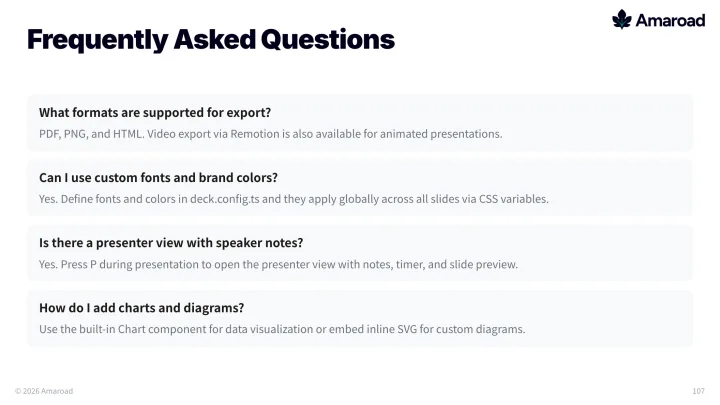
Open a separate fullscreen window for projector output, synced in real-time via BroadcastChannel.
PDF Export
Export decks to high-quality PDF via Playwright for sharing or printing.
Built-in Image & Diagram Skills
Generate photorealistic images via Gemini or Codex/GPT built-in imagegen, plus professional SVG diagrams (flowcharts, architecture maps, comparisons, and more) directly from the CLI — all auto-styled to your deck's theme.
18 Built-in Agent Skills
Specialized skills for Claude Code and Codex that extend Amaroad with AI-powered workflows — from deck design to video export.
| Skill | Description | Trigger |
|---|---|---|
| Deck Designer | Interactive Q&A to plan deck structure, audience, and theme before building. | "design a deck" |
| Deck Scaffold | Generate deck.config.ts and numbered MDX files from a brief. | "create a new deck" |
| Excel to Slides | Turn an Excel spreadsheet into a deck — each row becomes a card-based content slide. | "Excel to slides" |
| Image Provider | Pick your image engine — Codex/GPT or Gemini/Nanobanana — before generating or editing visuals. | "generate an image" |
| Image Generation | Generate AI images via Gemini API with auto aspect ratio detection. | "use Nanobanana" |
| Image Editor | Edit existing images via Gemini — remove objects, change colors, add elements. | "edit with Gemini" |
| Codex Image | Generate slide images with Codex/GPT built-in imagegen — no API key script needed. | "use Codex imagegen" |
| Codex Image Edit | Revise existing slide images with Codex/GPT built-in imagegen. | "edit with Codex" |
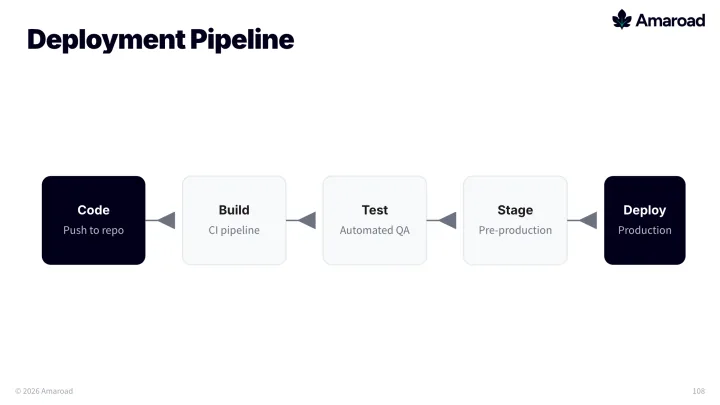
| SVG Diagram | Create flowcharts, architecture maps, and process diagrams as theme-aware SVGs. | "draw a diagram" |
| Graphic Recording | Generate graphic-recording-style illustrations from slide content. | "グラレコ" |
| Remotion Video | Convert a slide deck into an animated video with spring animations. | "make a video" |
| Deck Localizer | Translate slides between Japanese and English while preserving MDX structure. | "translate to English" |
| Overflow Fixer | Auto-fix overflowing slide content with layout, media, and spacing adjustments. | "fix overflow" |
| Preflight Auditor | Lint slides for font sizes, hard-coded colors, missing notes, and safe-zone violations. | "preflight check" |
| Speaker Notes | Standardize speaker notes with Purpose, Talking Points, and Estimated Time. | "polish notes" |
| Fact Checker | Scan slides for numeric claims and flag lines missing verifiable citations. | "citation check" |
| Theme Normalizer | Replace hard-coded HEX colors with CSS variable references from your theme. | "normalize theme" |
| Remotion Reference | Best practices and API reference for Remotion video animations. | "Remotion best practice" |
How It Works
From draft generation to parallel refinement in minutes.
Install & Initialize
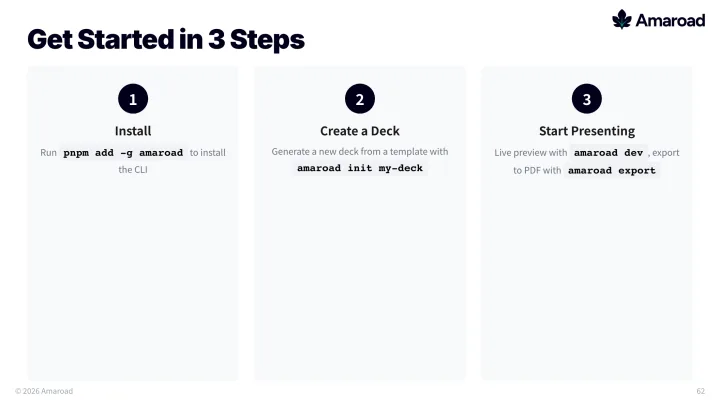
Clone the repo and install dependencies.
git clone https://github.com/co-r-e/amaroad.git amaroad
cd amaroad
pnpm installCreate the First Draft
Start Claude Code and generate a complete deck draft from a single instruction.
$ claude
> Create a deck for "Q3 Roadmap" with 12 slidesRevise Slides in Parallel
Batch-request edits for selected slides so agents can work on each slide concurrently.
> Update slides 04, 05, 08 in parallel:
> tighten copy, improve chart labels, fix spacingShare, Review, and Present
Use AI for final micro-adjustments, share a live URL via Cloudflare Tunnel, then present when ready.
> Make slide 05 headline sharper and align chart axis labels
> Expose this deck with Cloudflare Tunnel and share the URL
pnpm run dev
Get Started
Ready to iterate slides in parallel
and present with confidence?
Star the project on GitHub or explore the docs before your first deck.